NEW
Advertise on the World Cup. ⚽️ Your brand on the world's biggest stage. Learn more
NEW
Ditch the Middleman. Learn more today


Universal Ads gives small and medium-sized businesses direct access to the same inventory as the world's biggest brands, without the cost or complexity that used to come with it.
Follow the steps below to get up and running quickly.
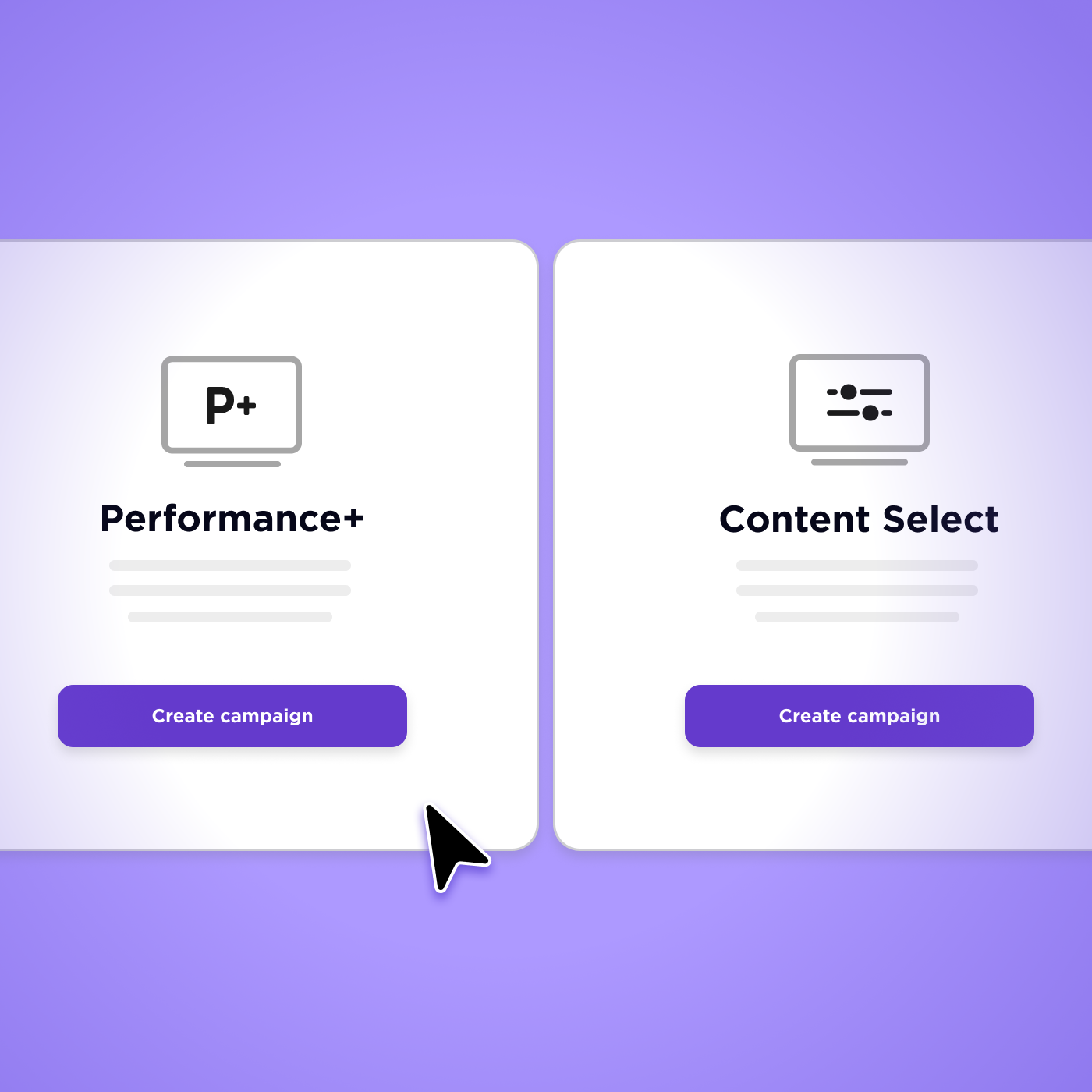
Reach 90% of U.S. households and build lasting brand recognition across every screen.

Find new customers and increase sales that drive real business impact.
Generate LeadsCapture high-intent leads directly from your TV ads all in one platform built for performance marketers.
Build demand and drive action by turning TV viewers into app installs, searches and in-app purchases.
.svg)