NEW
Advertise on the World Cup. ⚽️ Your brand on the world's biggest stage. Learn more
NEW
Ditch the Middleman. Learn more today

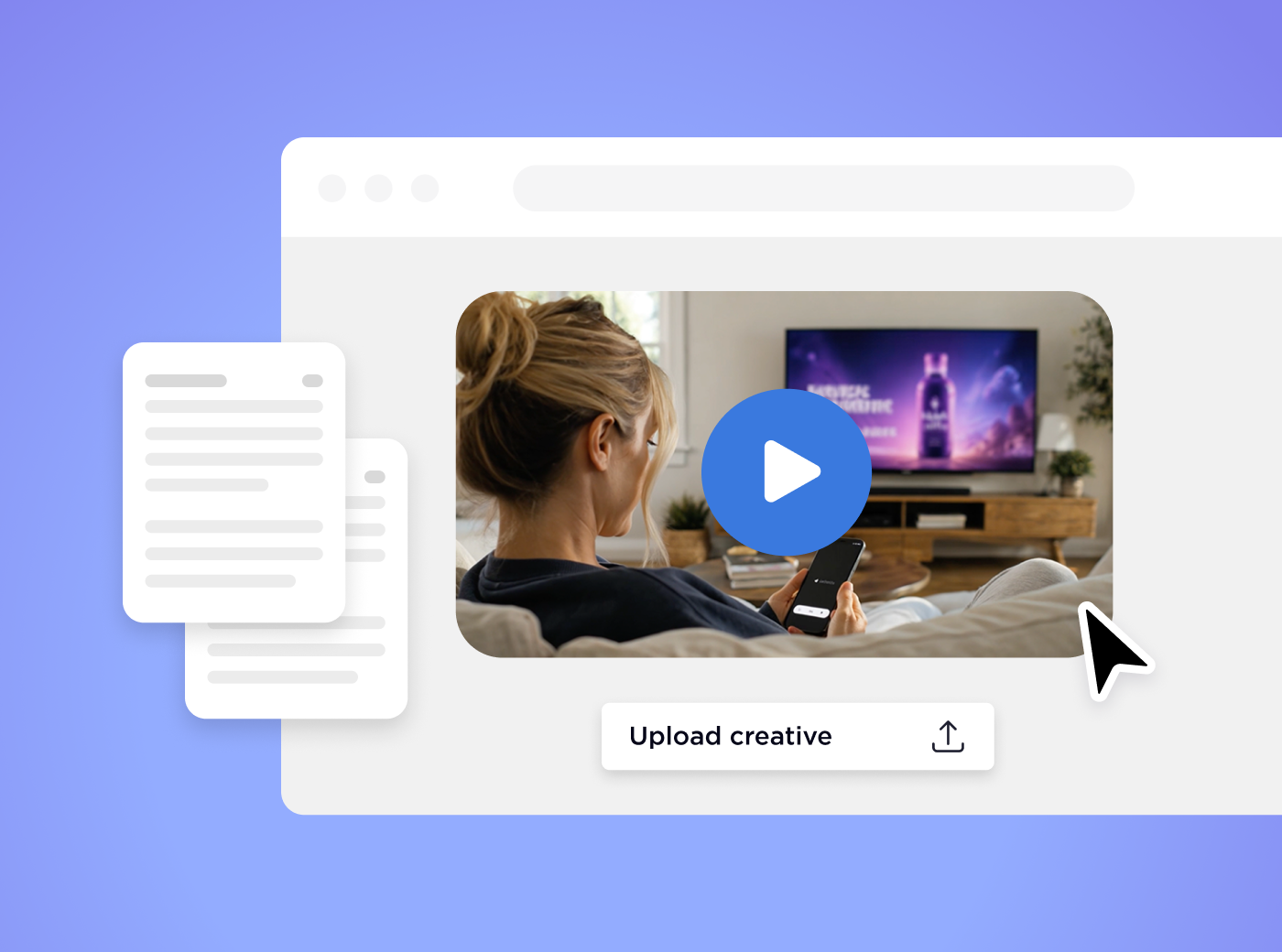
You do not need a finished commercial. With Universal Ads you can repurpose your best social video, build ads with the in-platform artificial intelligence (AI) Video Generator, or work with a creative partner. Any of them can get you to a TV-ready ad quickly.
You do not need a big production budget or a full creative team to get on connected TV (CTV). Here are three ways to get a TV-ready ad from assets you likely already have.
Your top-performing videos have already shown they resonate. Good candidates:
Your video does not have to be 16:9. Modern TV platforms are flexible about format. Pick your best posts, test them as-is or add a clear call to action and your branding, and launch.
No video? The AI Video Generator turns brand inputs into multiple TV-ready ads in minutes.
You will need: your logo, brand colors, product images or website URL, and a few key messages.
It creates several variations formatted for TV, with your branding applied across all of them. That means fast turnaround, no editing experience and built-in versions to test.
For hands-on help, our network of vetted creative partners can build a TV-ready ad for you at no cost (terms and conditions apply). Our creative partners include Insense, Lemonlight, Canva, Creatify, and Marpipe, Spaceback and Waymark.
You will need basic brand assets, your website link, any existing images or video, and a general campaign goal. You are matched with a partner, they manage production, and you receive a polished ad. Our internal creative team can also support you. See our Creative Support and partner network.
Ask:
Universal Ads covers each: reuse social video, the AI Video Generator, partner-built ads (terms apply) and multiple variations to test.
Keep your first :15 or :30 simple: one message, one call to action. Check ad length, file type and resolution in the Universal Ads Help Center before you upload.
Create your Universal Ads account and upload your first video, or start the AI Video Generator today. You can also book a demo with one of our experts to see how easy it is to get on TV without a commercial.
.svg)